Navigating the dashboard
After logging in, you land on the Home screen. Here's what you'll find:
Left sidebar — main navigation
| Menu Item | What it does |
|---|---|
| Home | Your dashboard with Aria AI and recent jobs |
| Jobs | View, create, and manage all your job postings |
| Talent Network | Browse Airwork's pre-vetted candidate pool |
| Company | Set up and edit your company profile |
| Settings | Manage your plan, billing, and team |
| Contact support | Opens a WhatsApp chat with the Airwork support team |
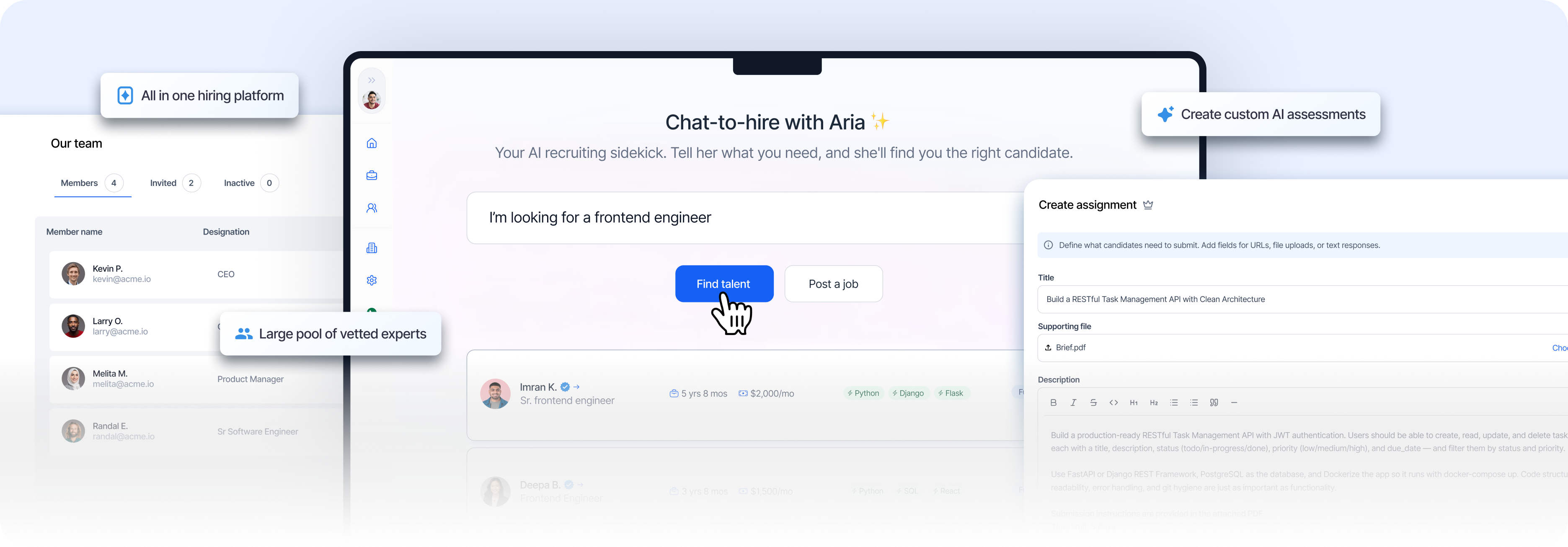
Center — Meet Aria
The main area features Aria, your AI recruiting sidekick. Type what you're looking for in plain English and Aria will find matching candidates or help you create a job.
Below Aria you'll see two buttons:
- Find talent — Search for candidates in the Talent Network
- Post a job — Start creating a new job listing
Bottom — Recent jobs
A grid of your most recently edited jobs with their status (Draft, Open, Closed) so you can quickly jump back into any posting.
Top-right corner
- Upgrade button — View and upgrade your plan
- Profile icon — Access your account menu (Company profile, Edit company, Billing & plans, Report a bug, Logout)image