Account settings and support
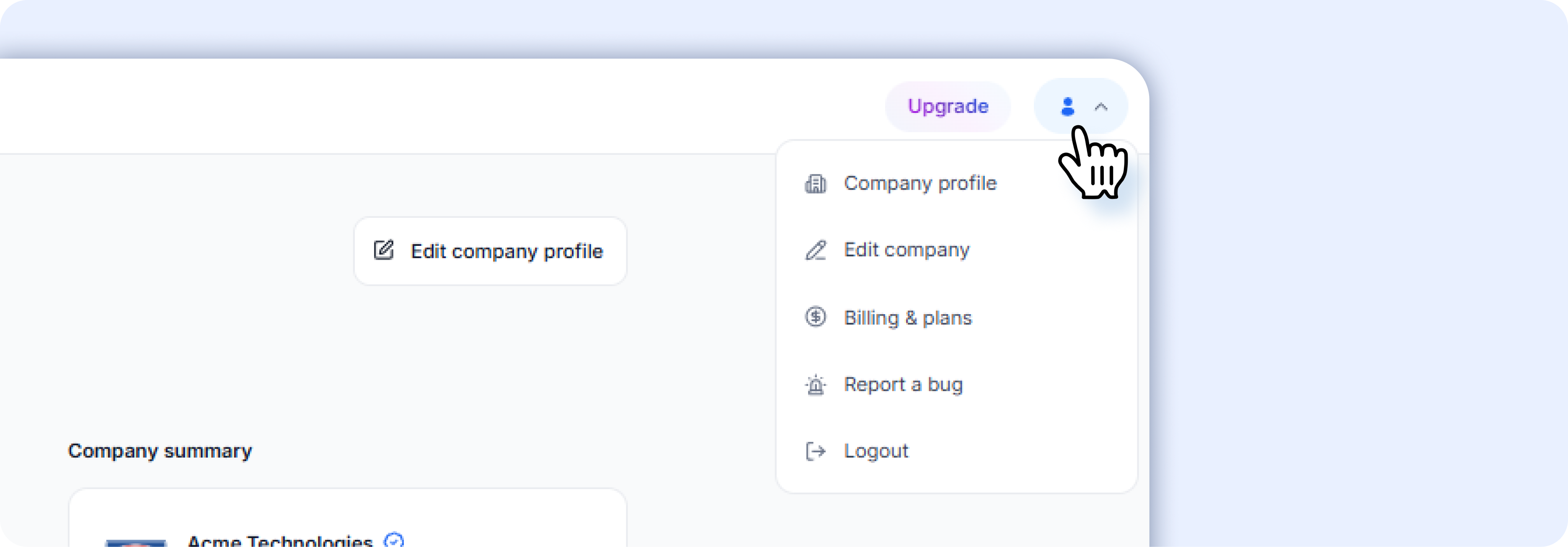 ###Account menu
Click the profile icon in the top-right corner to access:
| Option | What it does |
|---|---|
| Company profile | View your public company profile (what candidates see) |
| Edit company | Edit your company details, description, tech stack, and culture info |
| Billing & plans | Go directly to your plan and billing settings |
| Report a bug | Submit a bug report to the Airwork team |
| Logout | Sign out of your account |
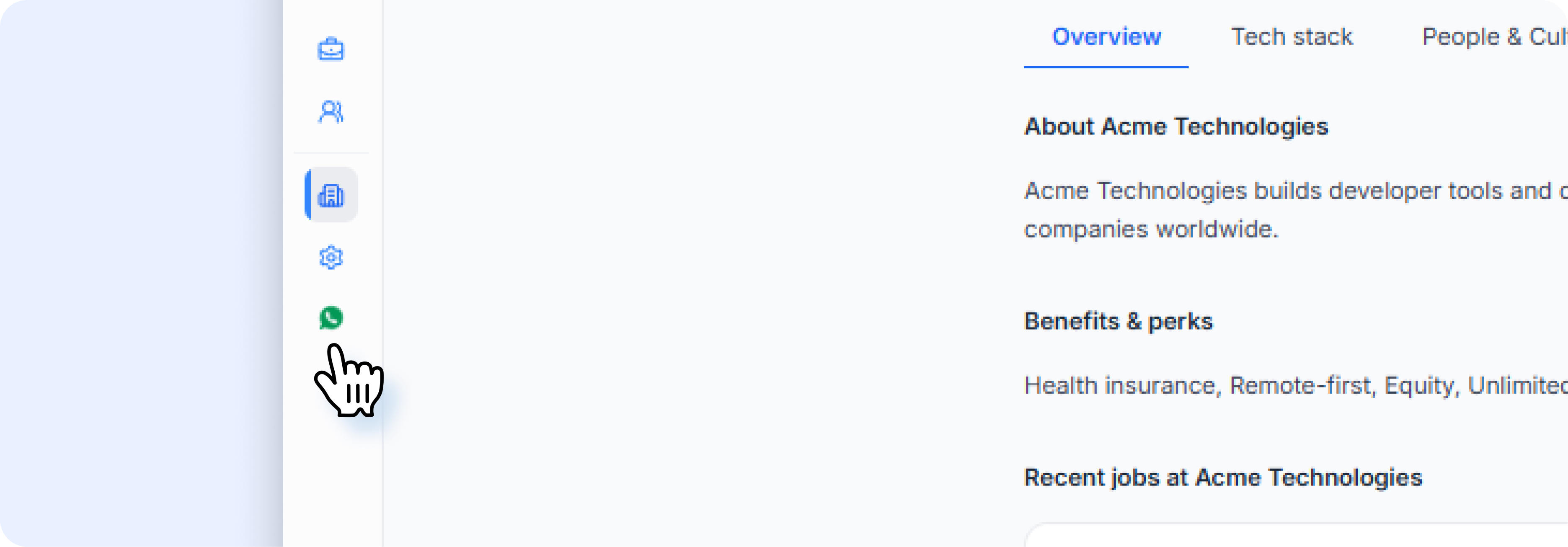
Contacting support
Click Contact support at the bottom of the left sidebar. This opens a WhatsApp chat with the Airwork support team for real-time help.
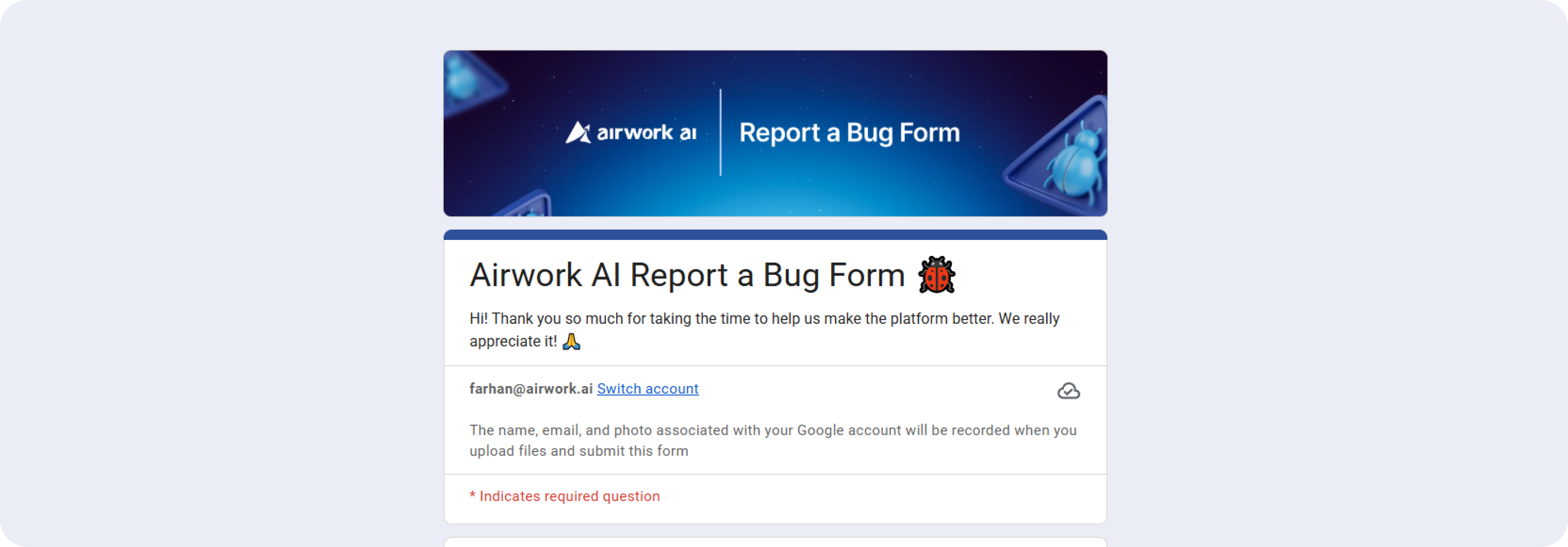
Reporting a bug
- Click the profile icon in the top-right corner
- Select Report a bug
- Describe the issue you're experiencing
- Submit the report